Field guide
PunchOut is more than a link to a supplier catalog.
The value is not opening the catalog. It is bringing back a structured cart that continues through the buyer’s own process.
A practical guide to the round trip
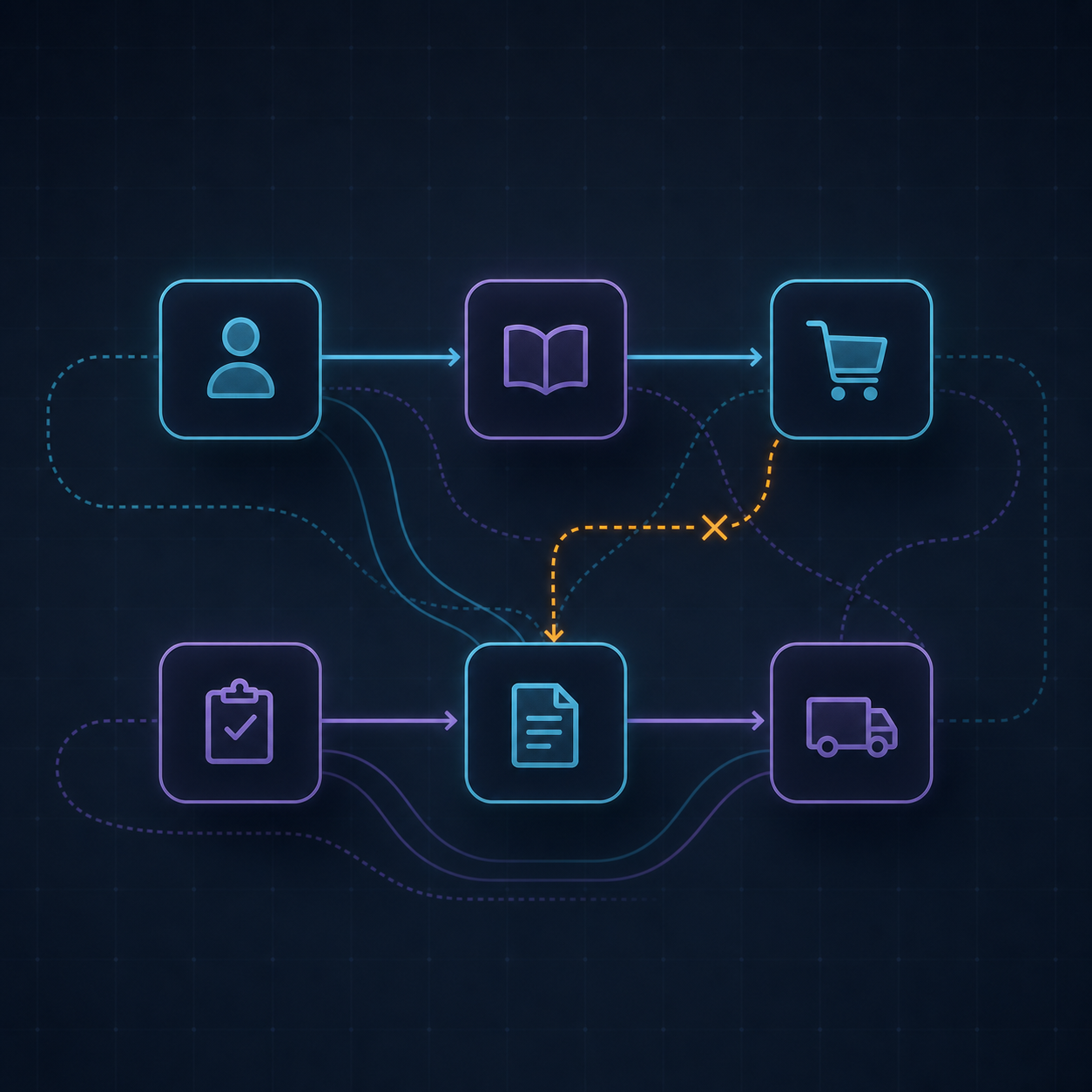
The catalog session is only the beginning.
A PunchOut journey usually starts in the buyer’s procurement system, moves to a supplier catalog, and returns with a cart. The requisition, approval and purchase order still belong to the buyer’s process.
The implementation should preserve supplier references, quantities, units, prices, currencies, taxes and delivery context. If those lines arrive unusable, the project has only moved the manual work.
03The round trip
Six moments to test
- 01
Session
Authenticate the buyer and open the right supplier context.
- 02
Catalog
Show the relevant assortment, availability and customer conditions.
- 03
Cart
Capture structured lines, not copied descriptions.
- 04
Approval
Apply the buyer’s rules, budgets and responsibilities.
- 05
Order
Create and transmit the official purchase order.
- 06
Exception
Make rejected lines and failed messages actionable.
Questions worth asking
- Does PunchOut create the purchase order?
- Not necessarily. It generally returns a cart; the request, approval and order may happen afterwards.
- What removes the benefit?
- Missing references, units or prices that force someone to re-enter the cart.
Next step
Bring your supplier list. We’ll show you the flow.
A working session with our team, using your systems and your supplier mix — not a generic slide deck.
- 01
Where your suppliers sit today: connected, semi-connected, or not at all
- 02
How each channel would route through Kelqio into your ERP and procurement platform
- 03
What connecting the next twenty suppliers would actually involve
Enterprise integration product. No credit card, no self-serve trial — a conversation with someone who knows procurement systems.